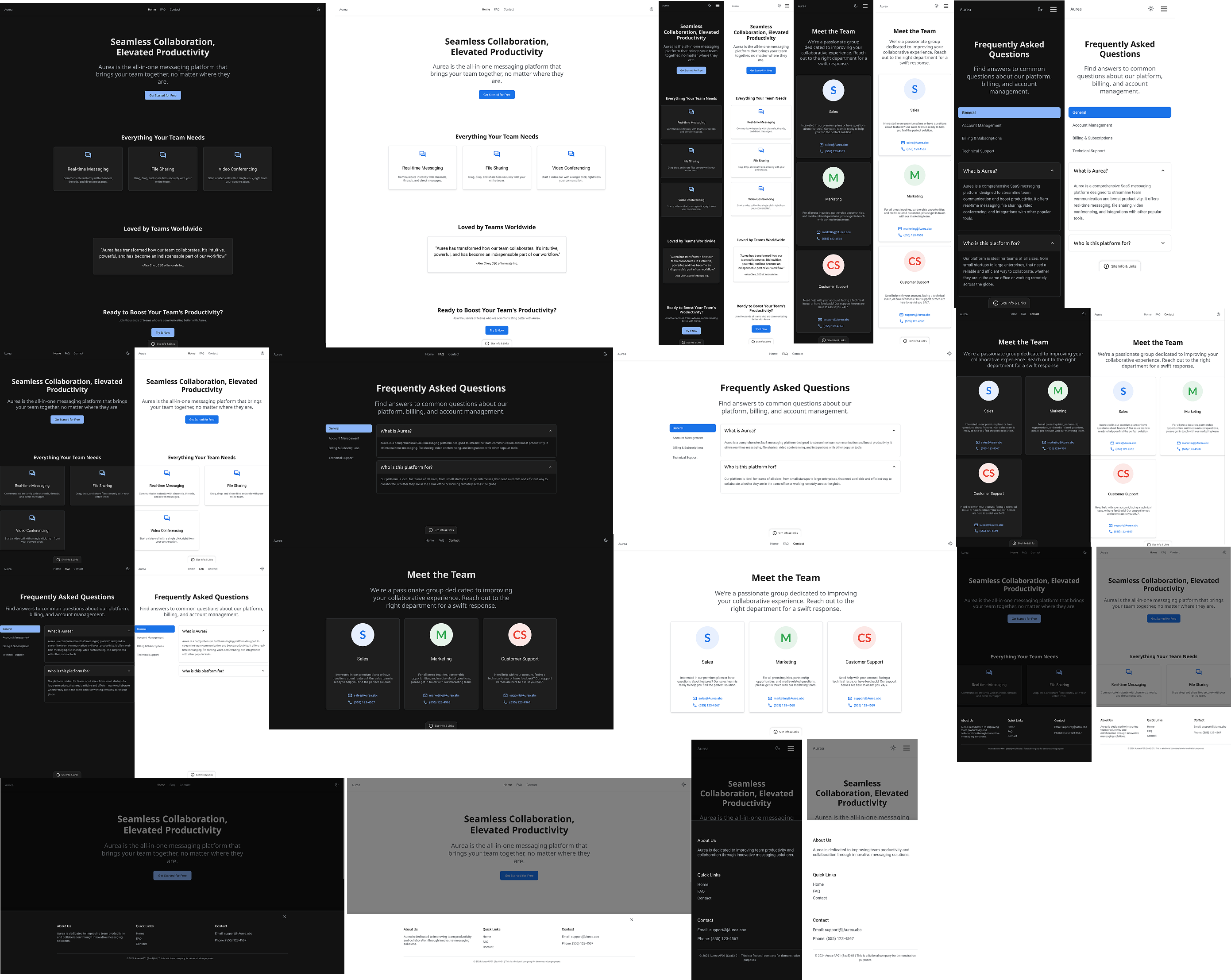
Responsive Design
While this project visually presents three reference layouts — smartphone, tablet, and desktop — the underlying system was tested and designed to adapt fluidly across a wider range of screen sizes.
ensuring the layout remains usable and readable even on compact or older devices. Rather than designing for fixed devices, the system relies on flexible spacing, scalable typography, and content-driven breakpoints that allow it to respond naturally between sizes.
Smartphone - Dark Mode
Home page / Landing page

FAQ page

Contact page

Footer - active
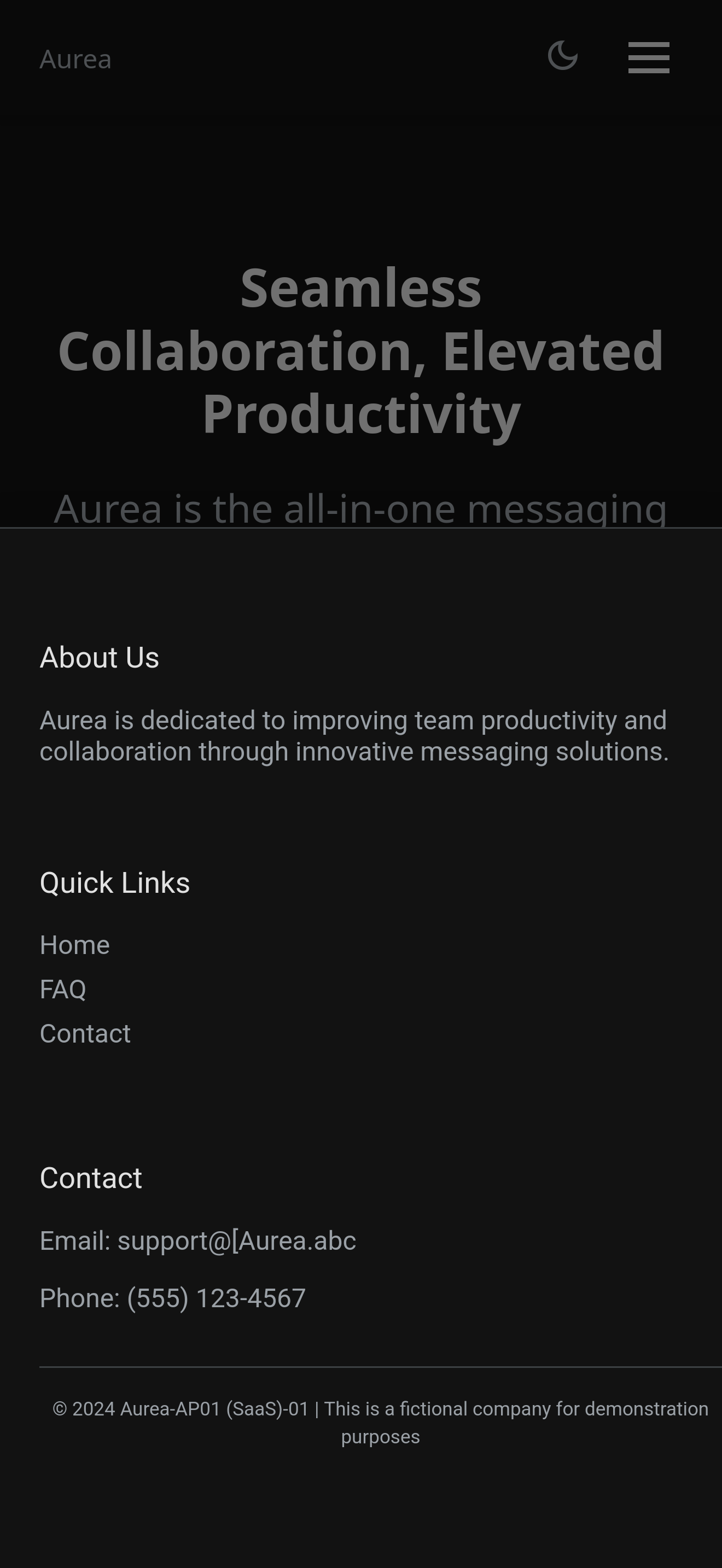
Smartphone - Light Mode
Home page / Landing page

FAQ page

Contact page
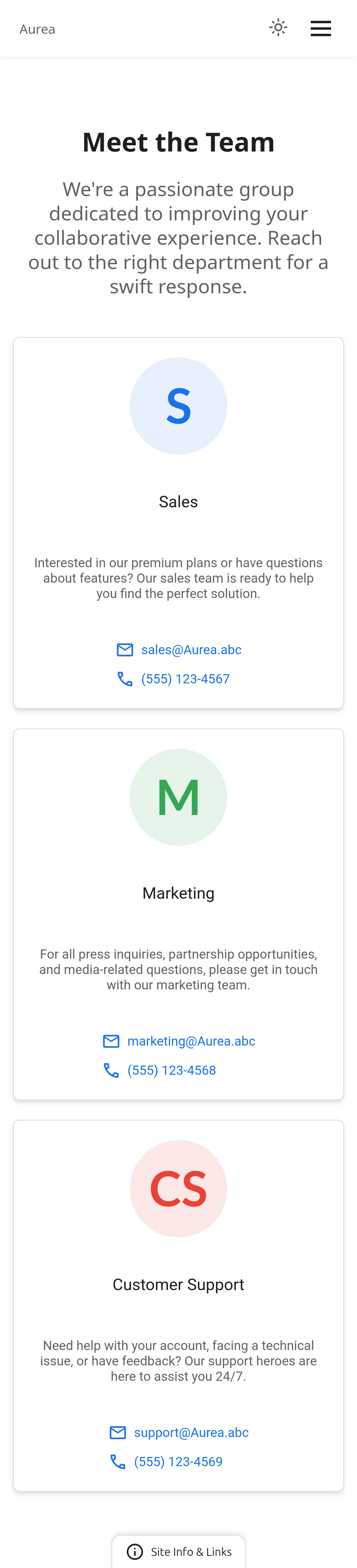
Footer - active
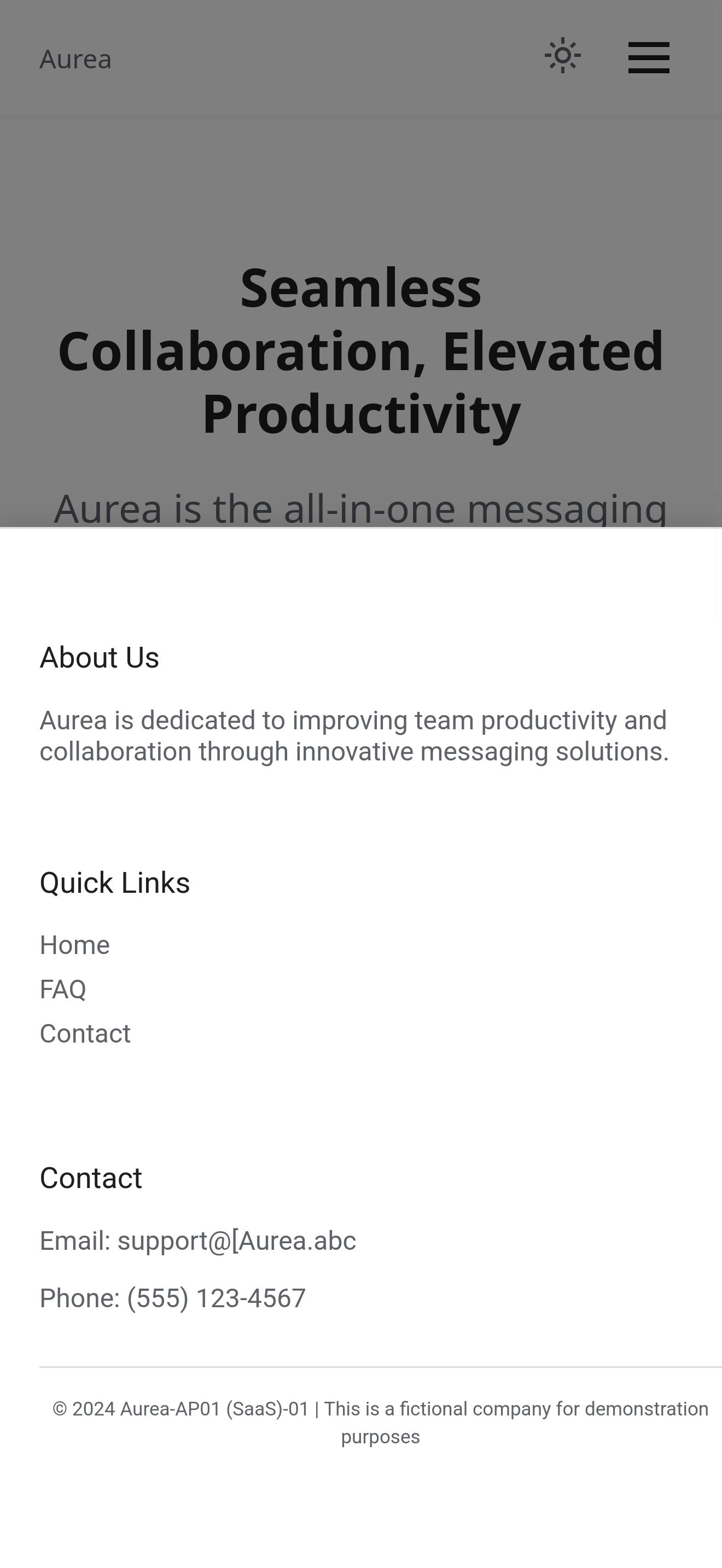
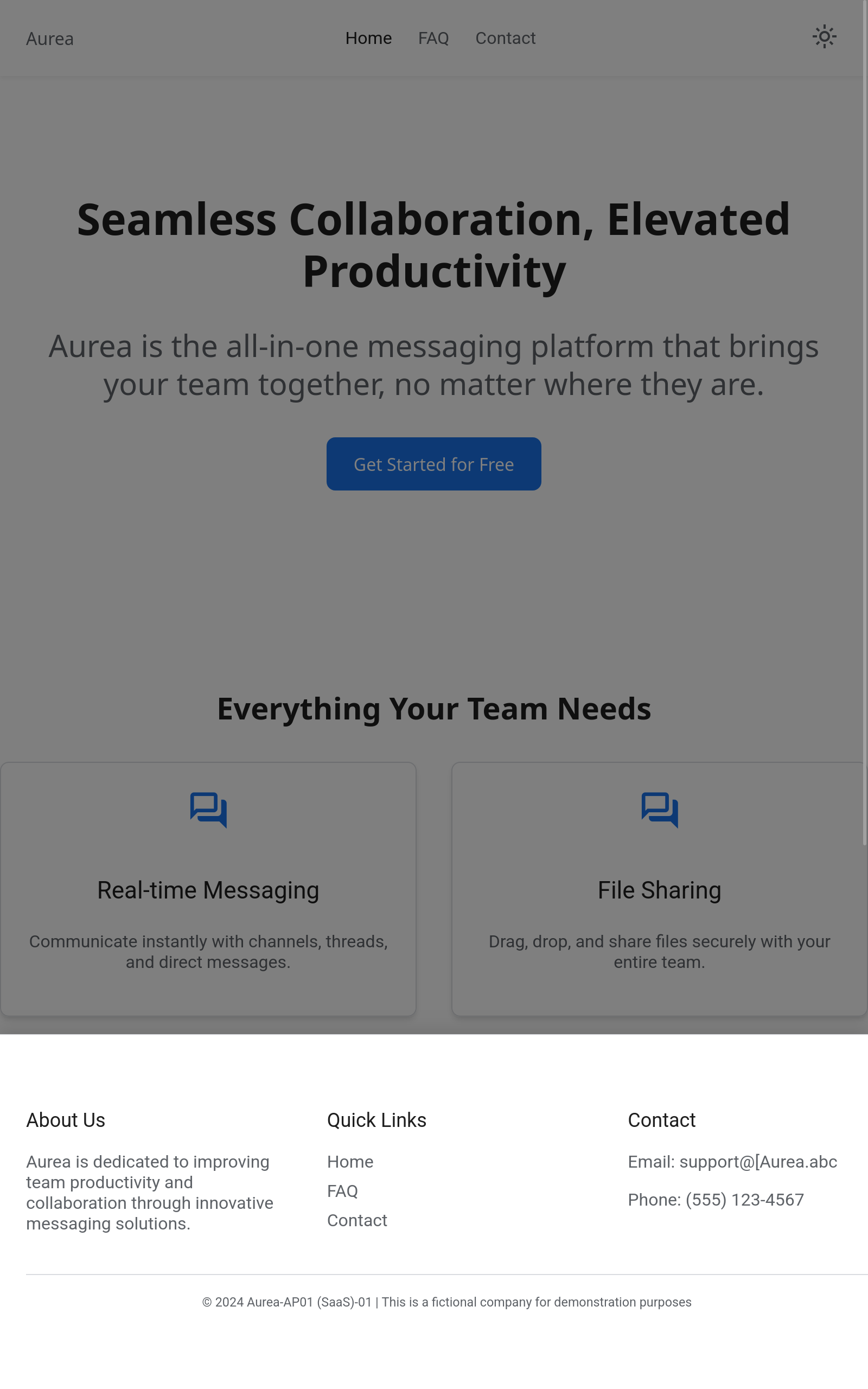
Tablet - Dark Mode
Home page / Landing page
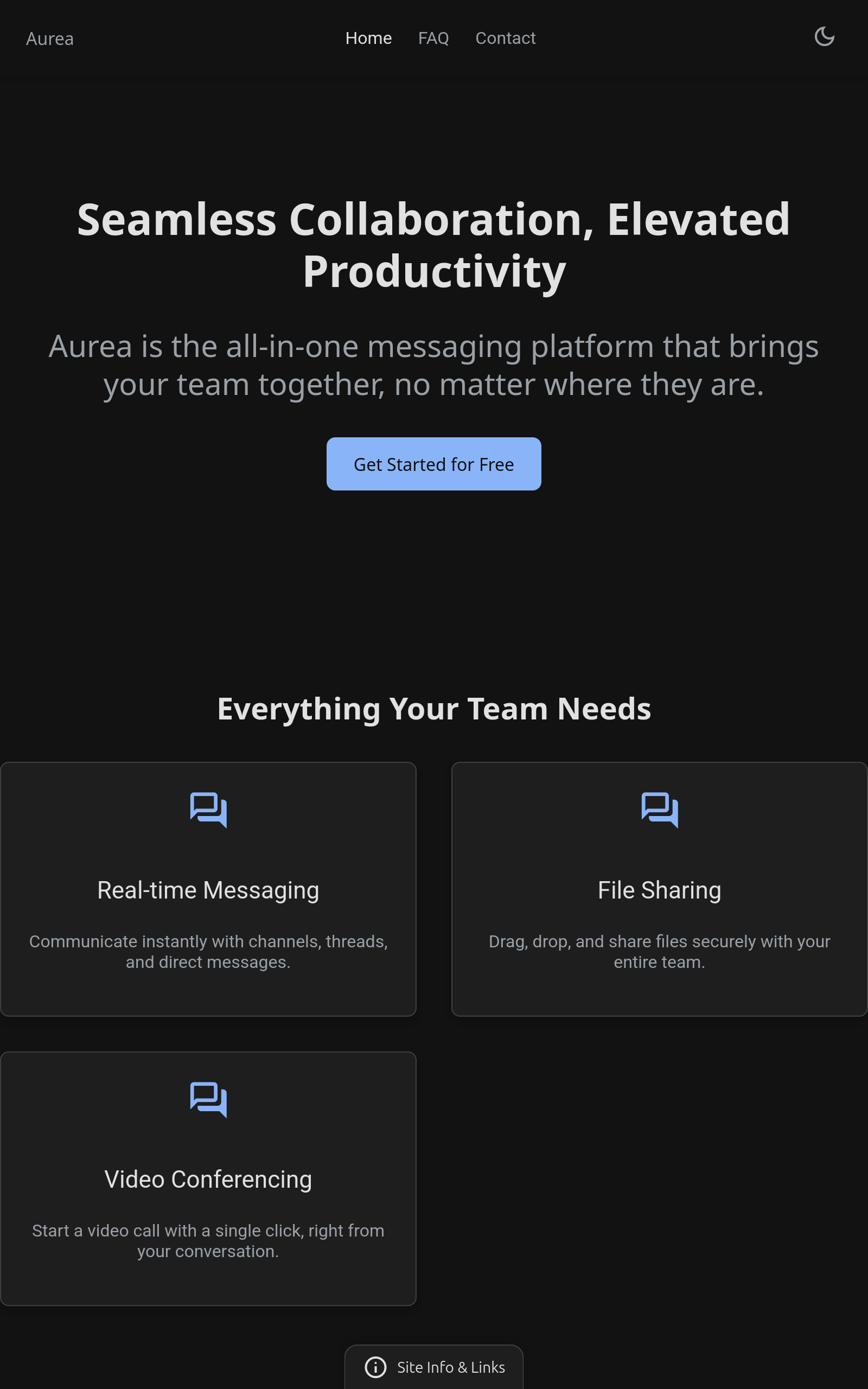
FAQ page
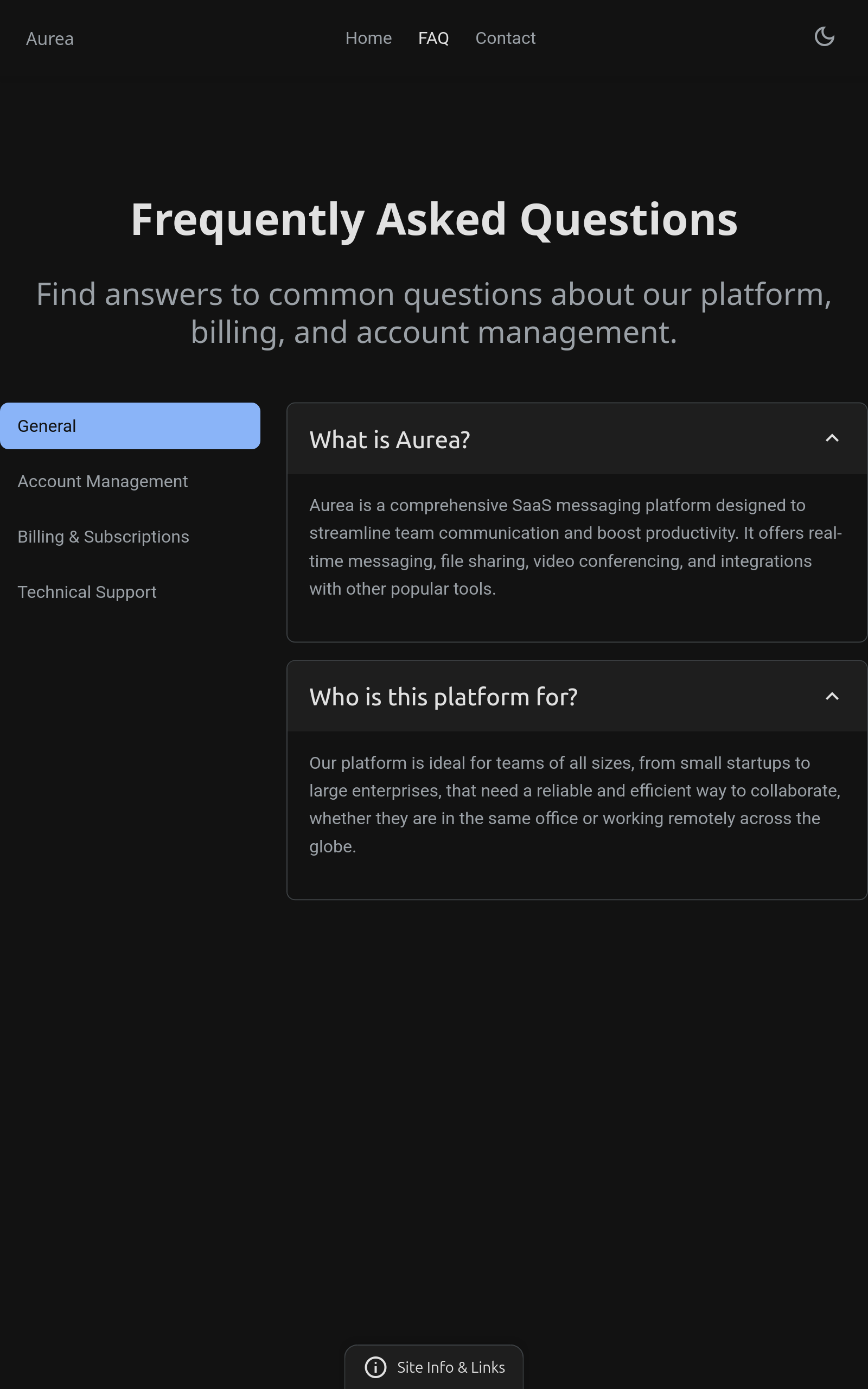
Contact page
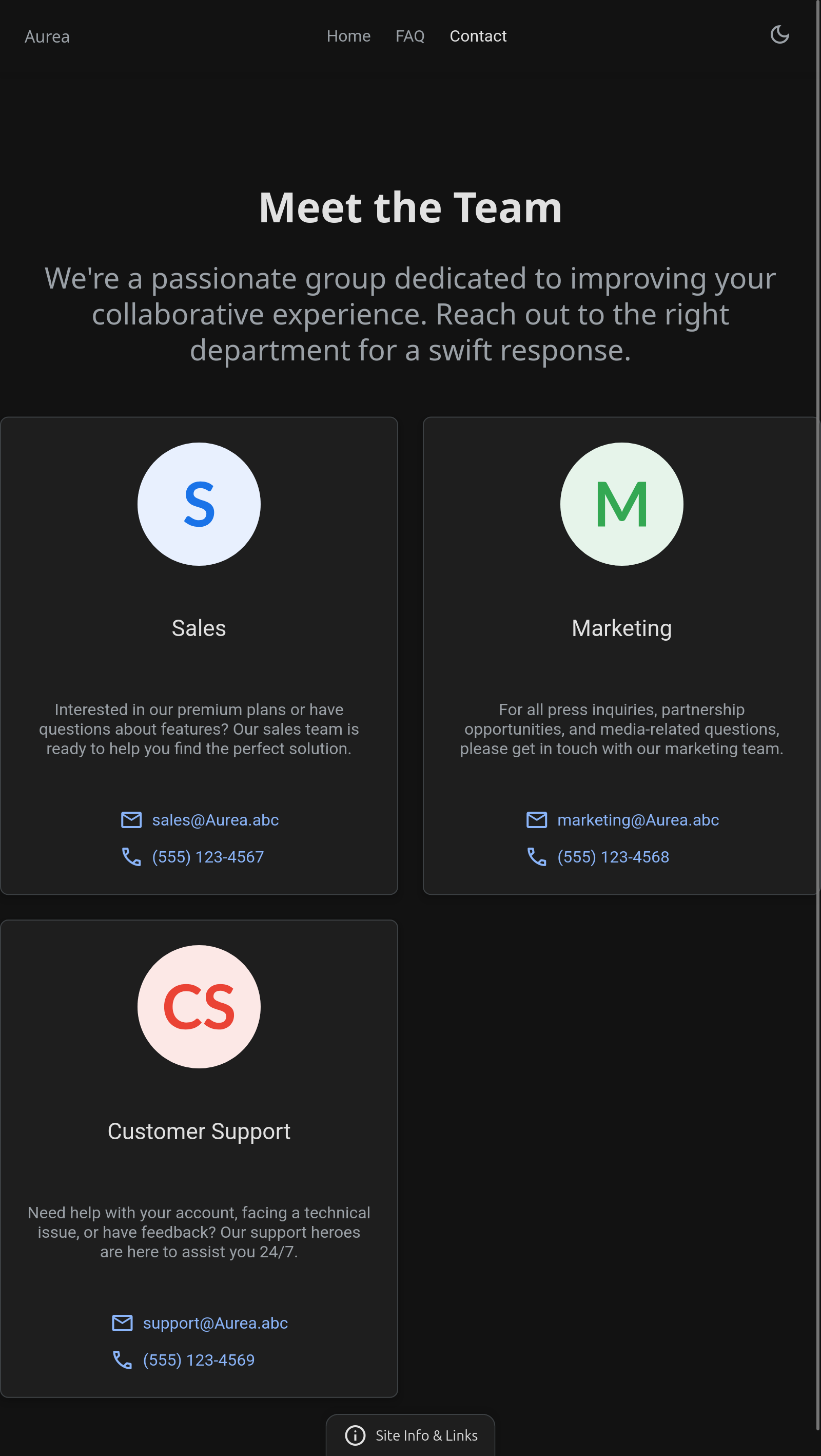
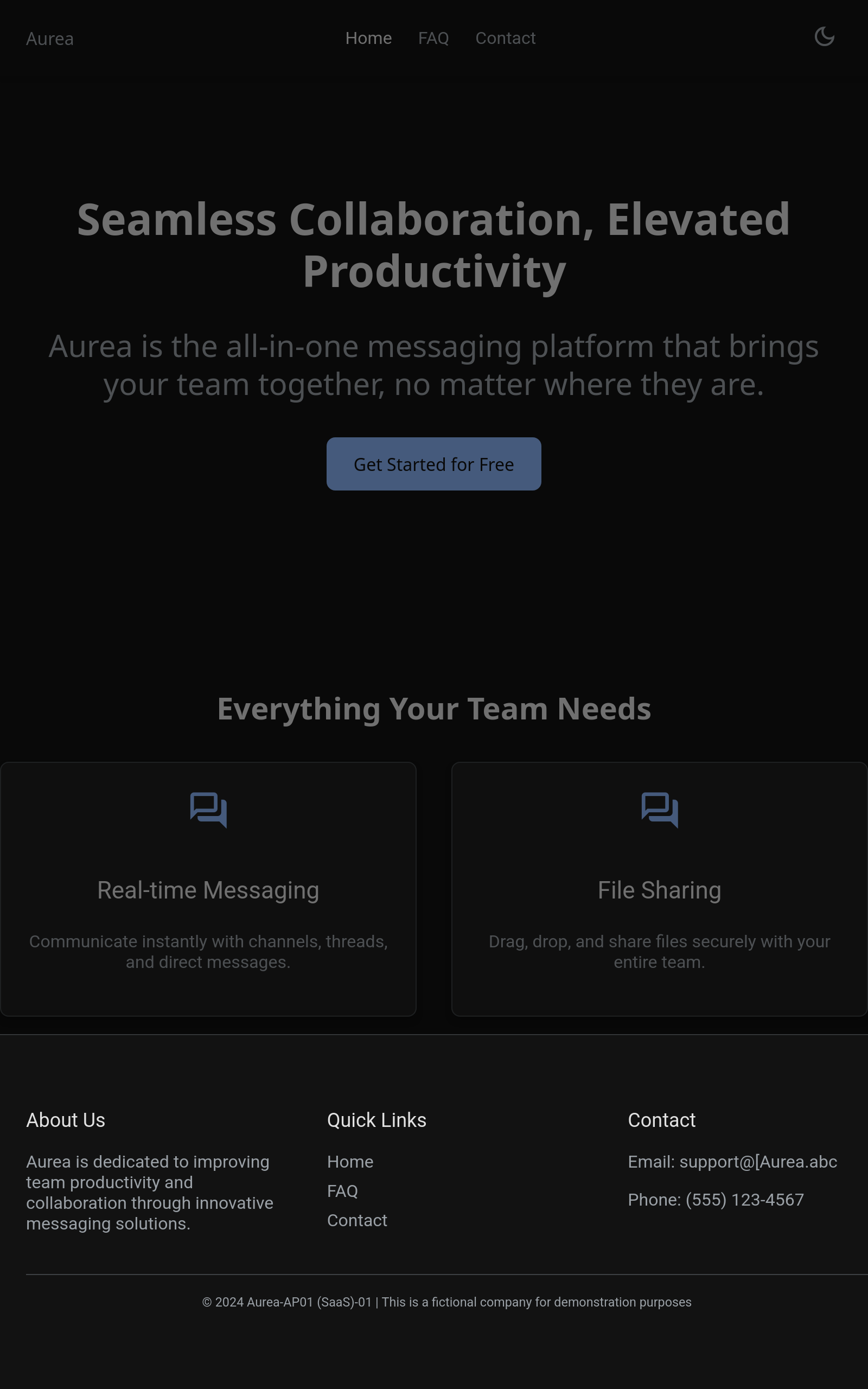
Footer - active
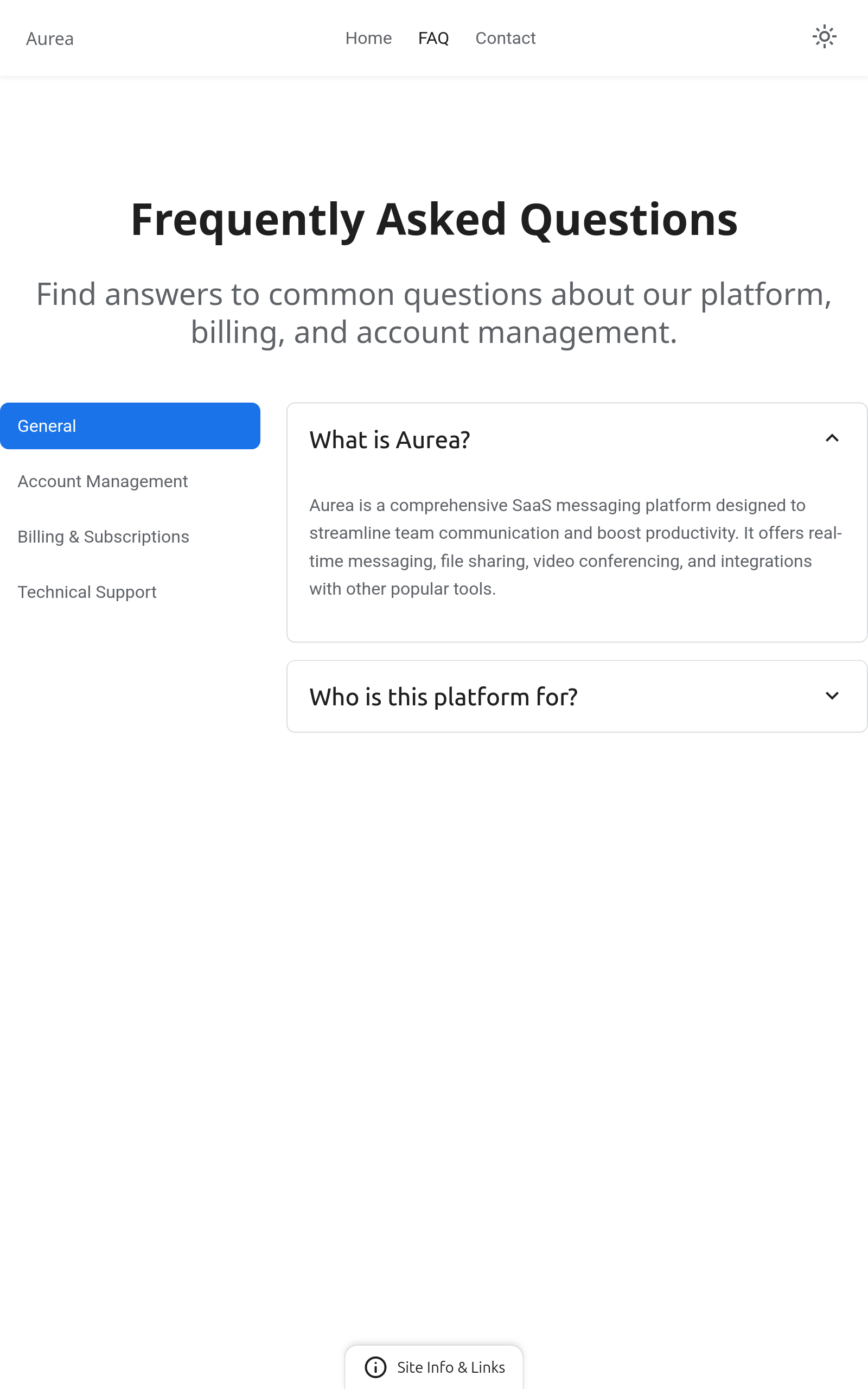
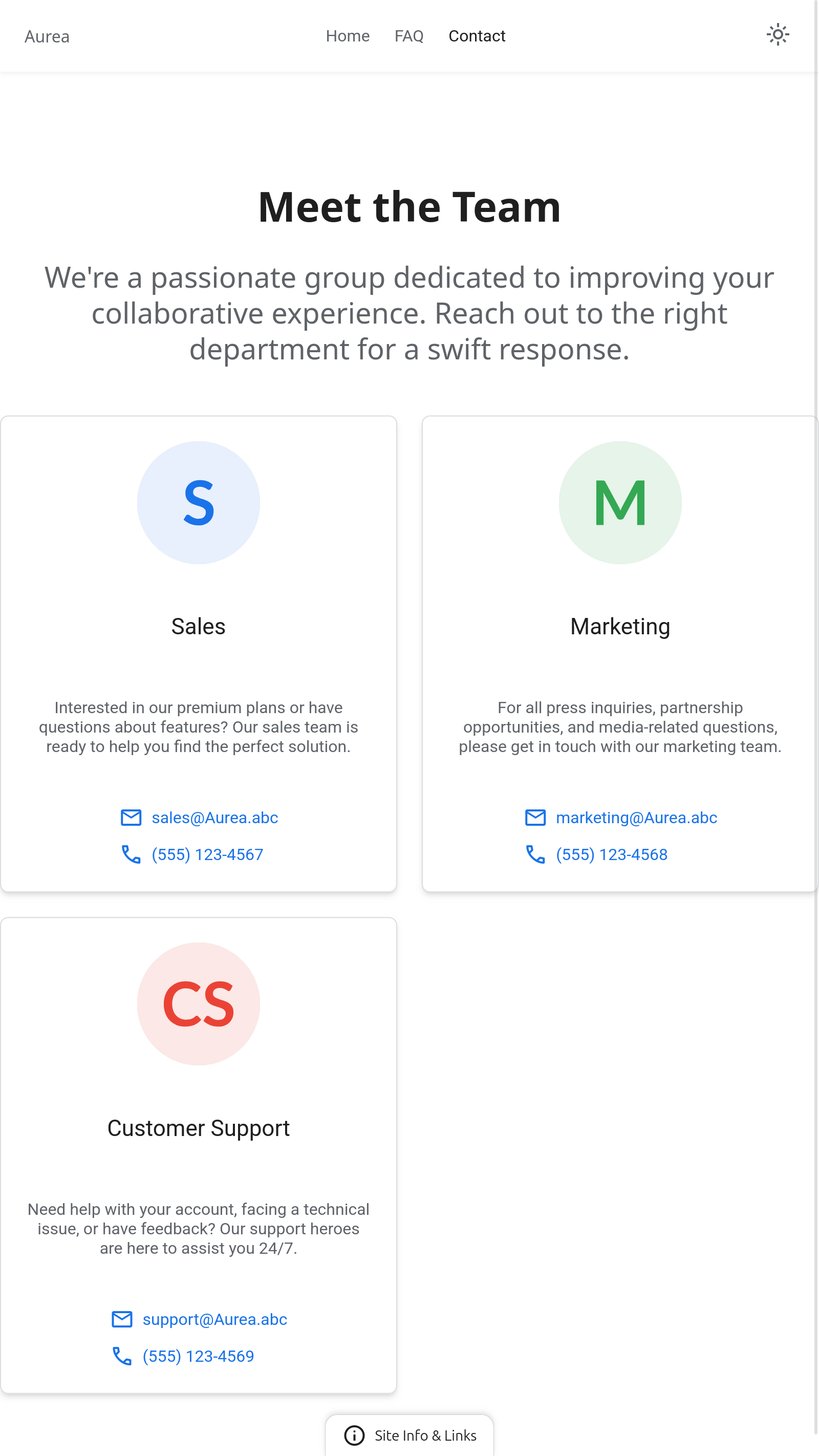
Tablet - Light Mode
Home page / Landing page
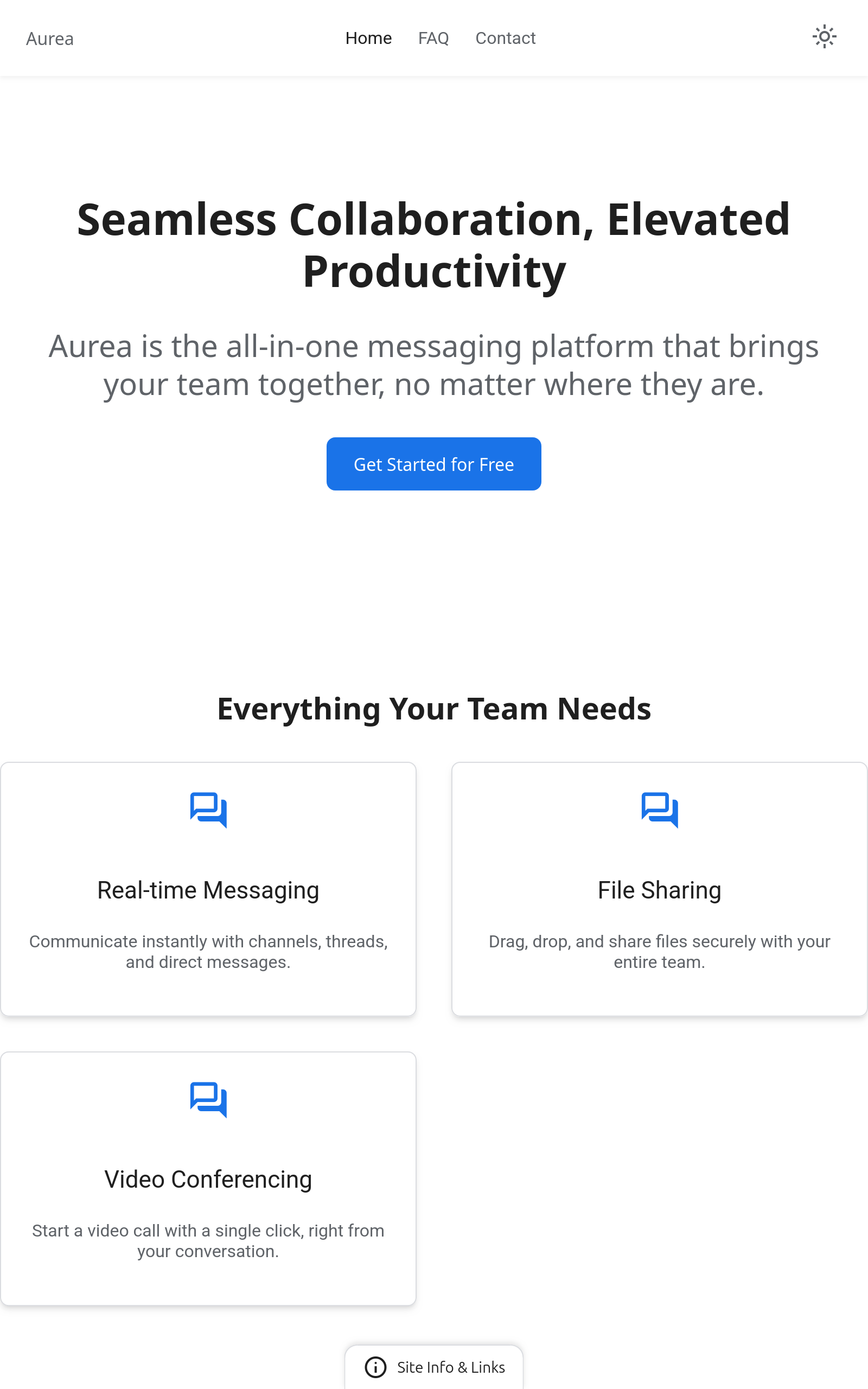
FAQ page
Contact page
Footer - active
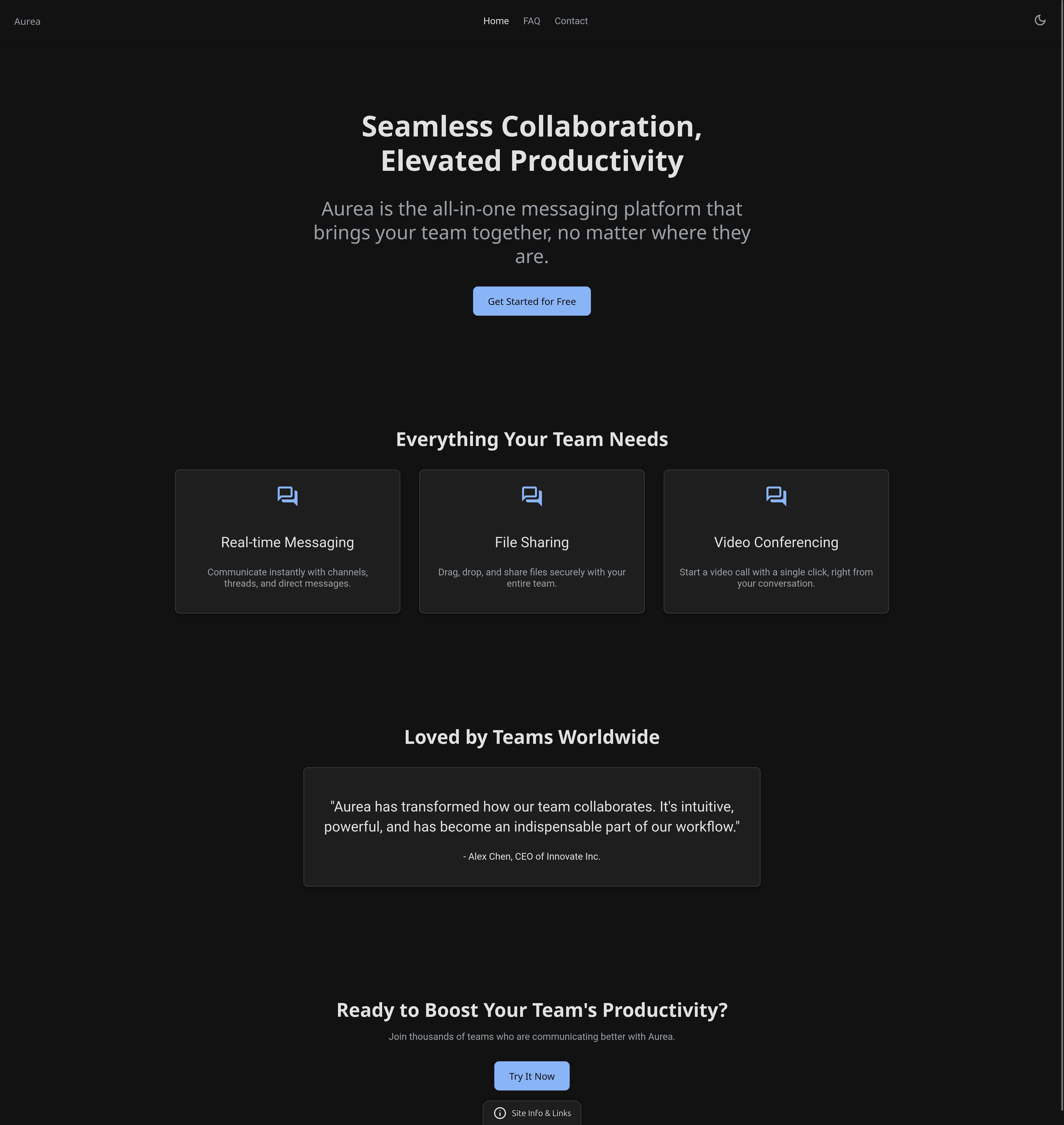
Desktop - Dark Mode
Home page / Landing page
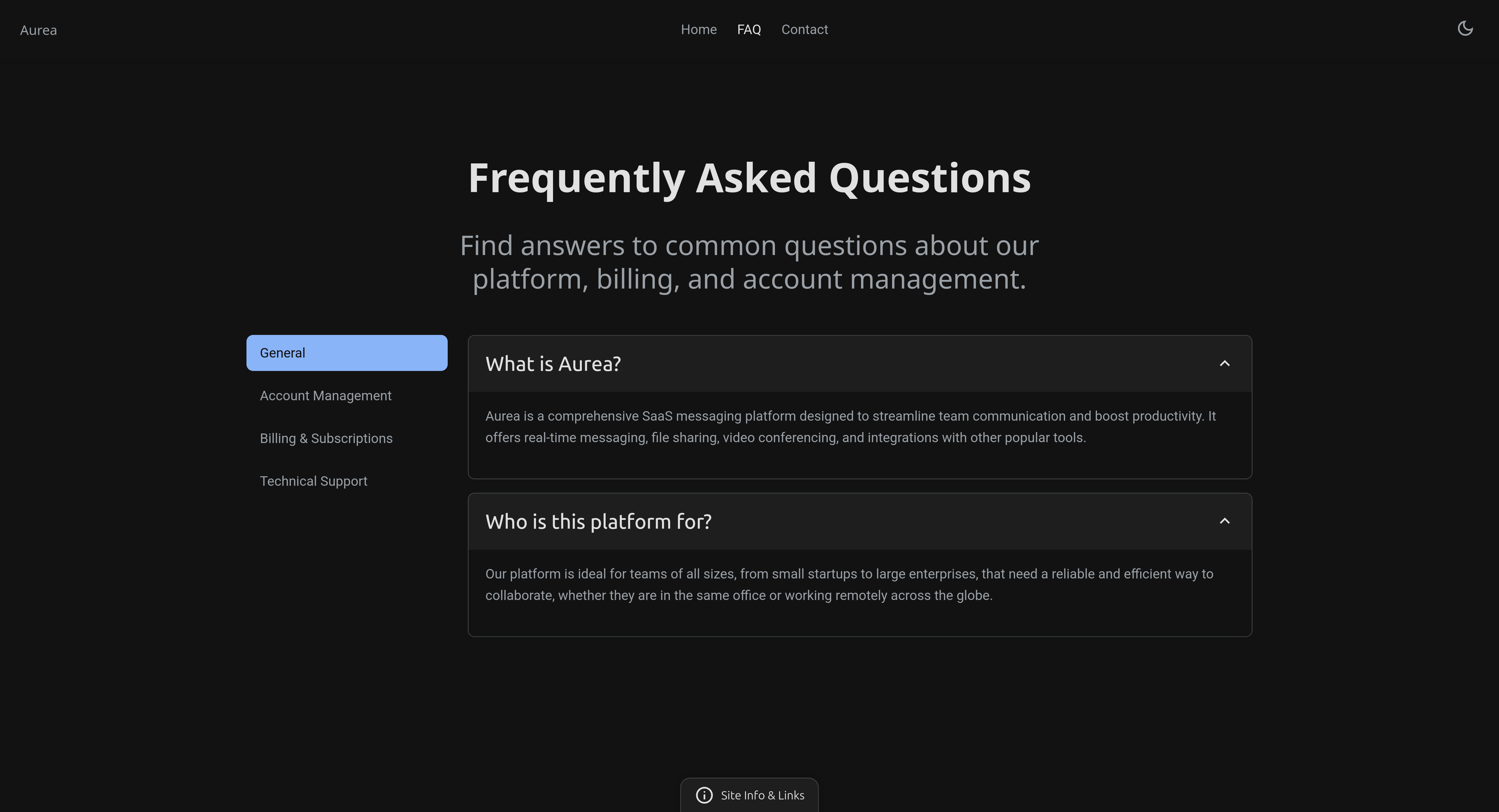
FAQ page
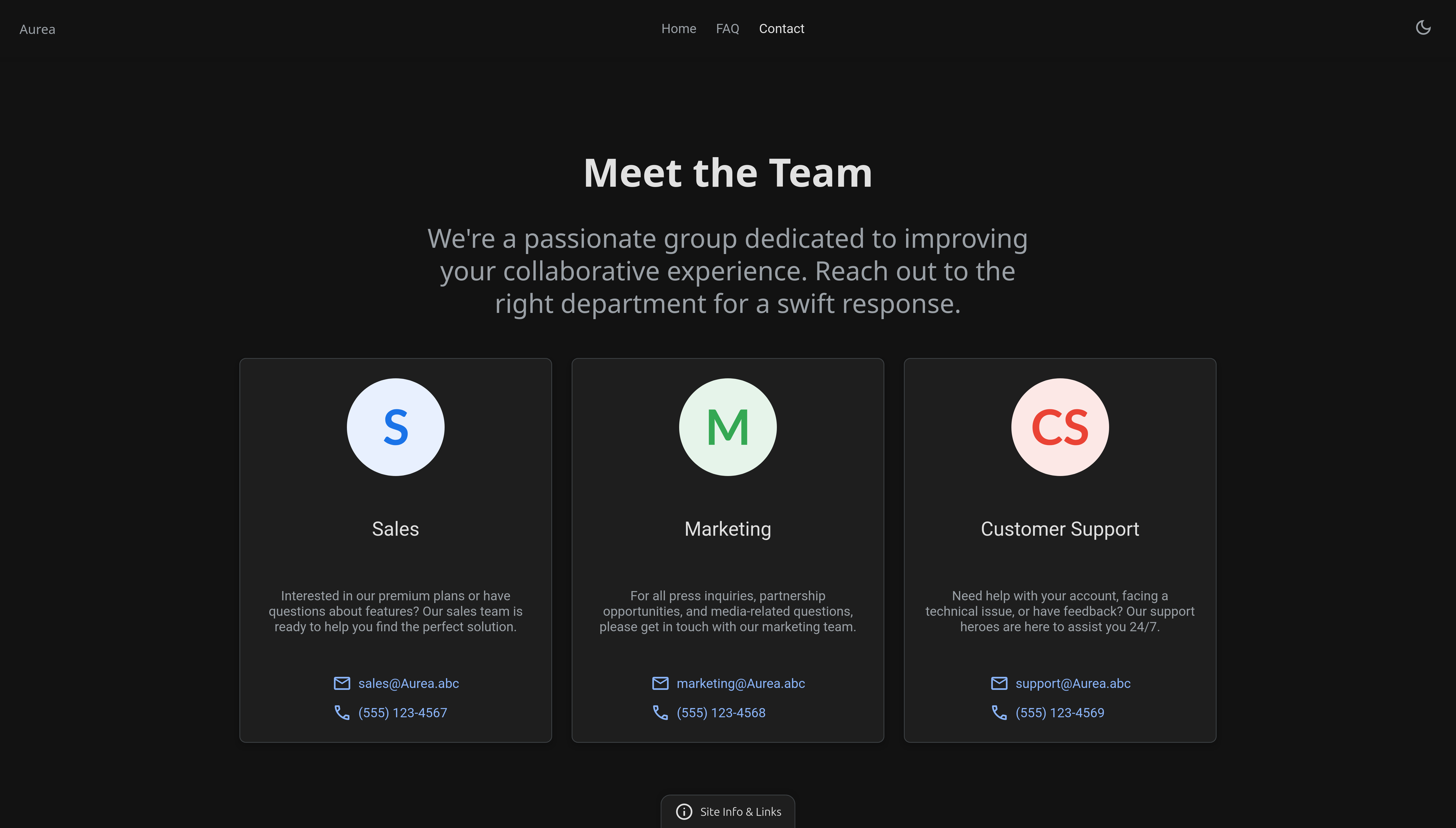
Contact page
Footer - active

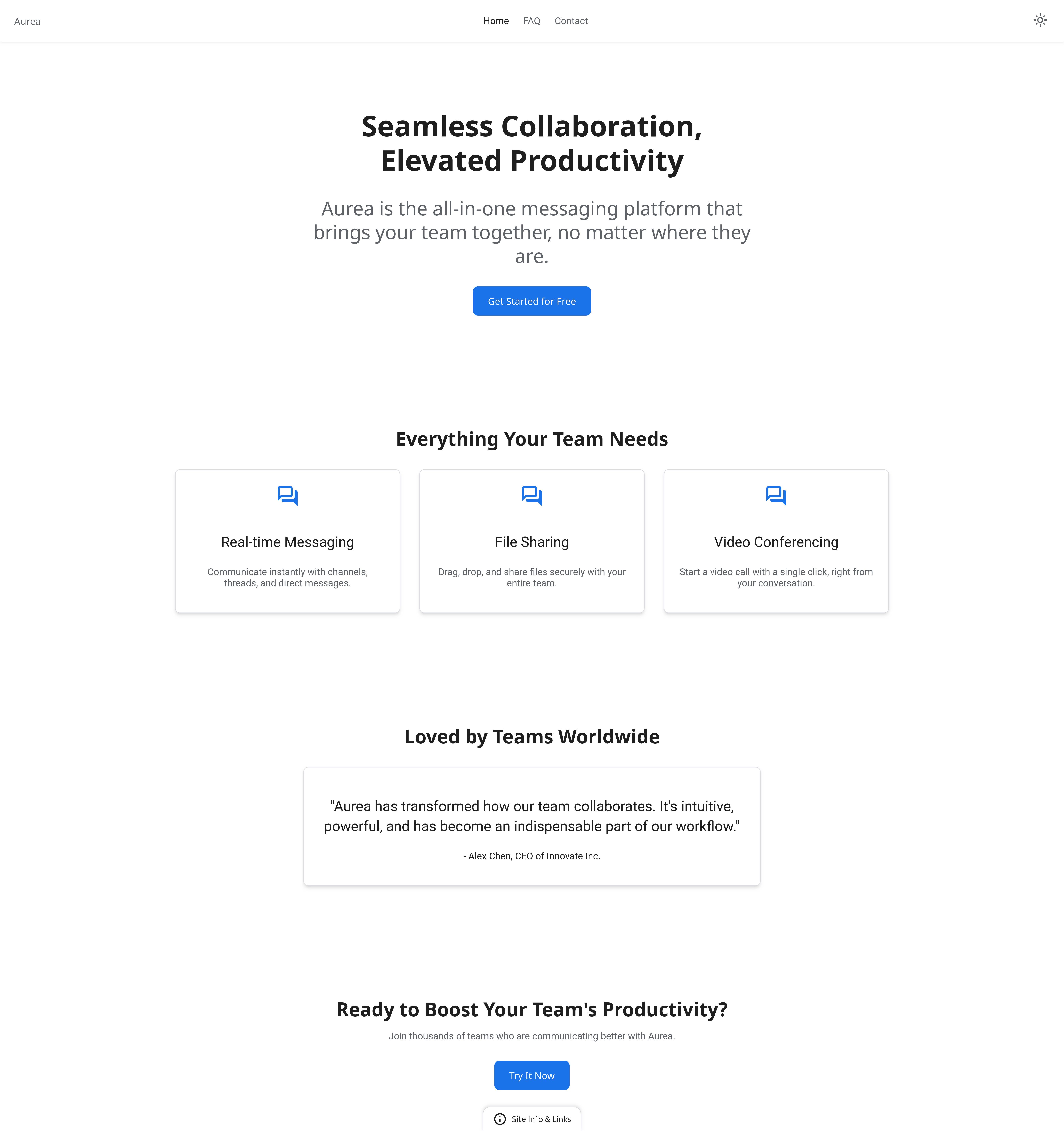
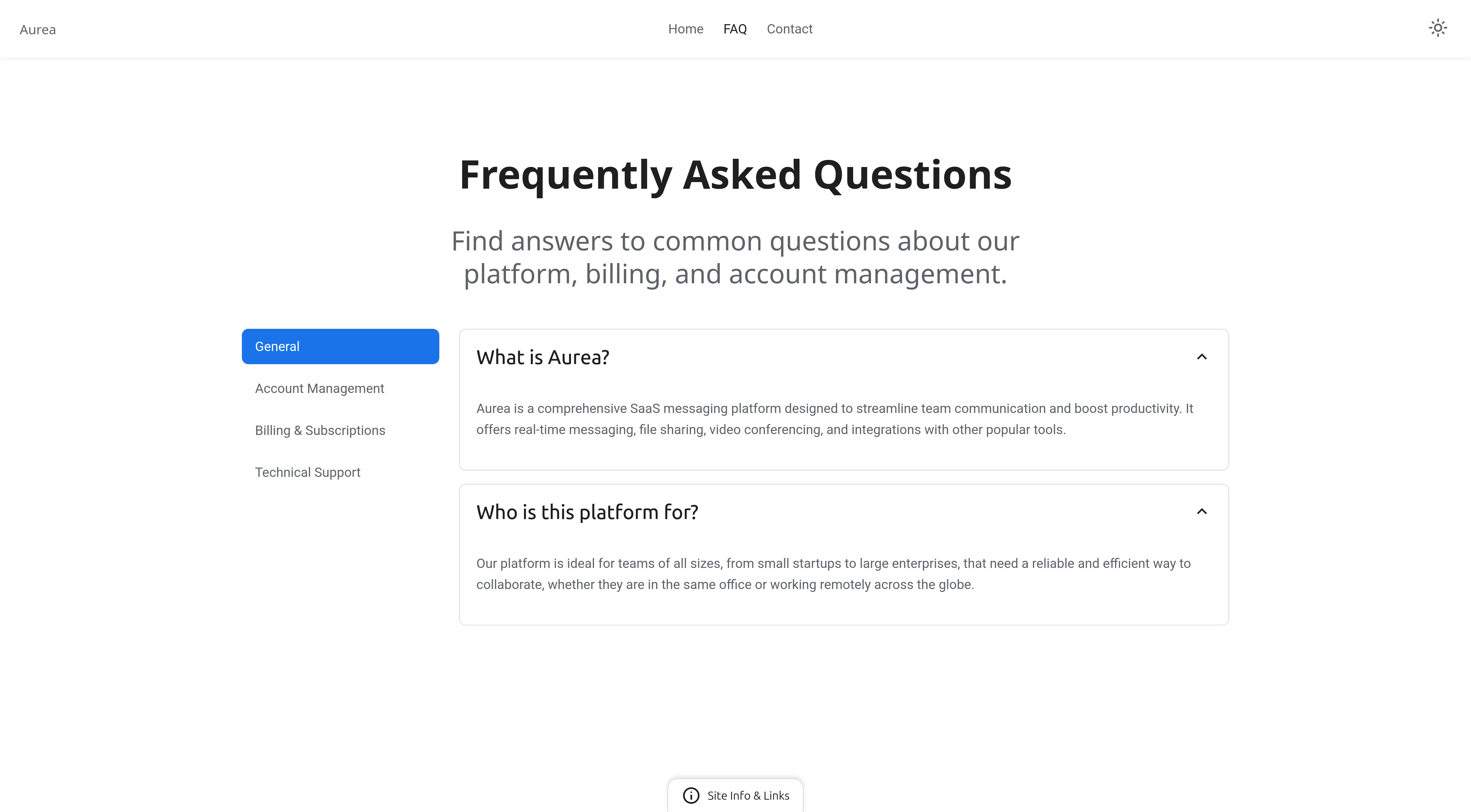
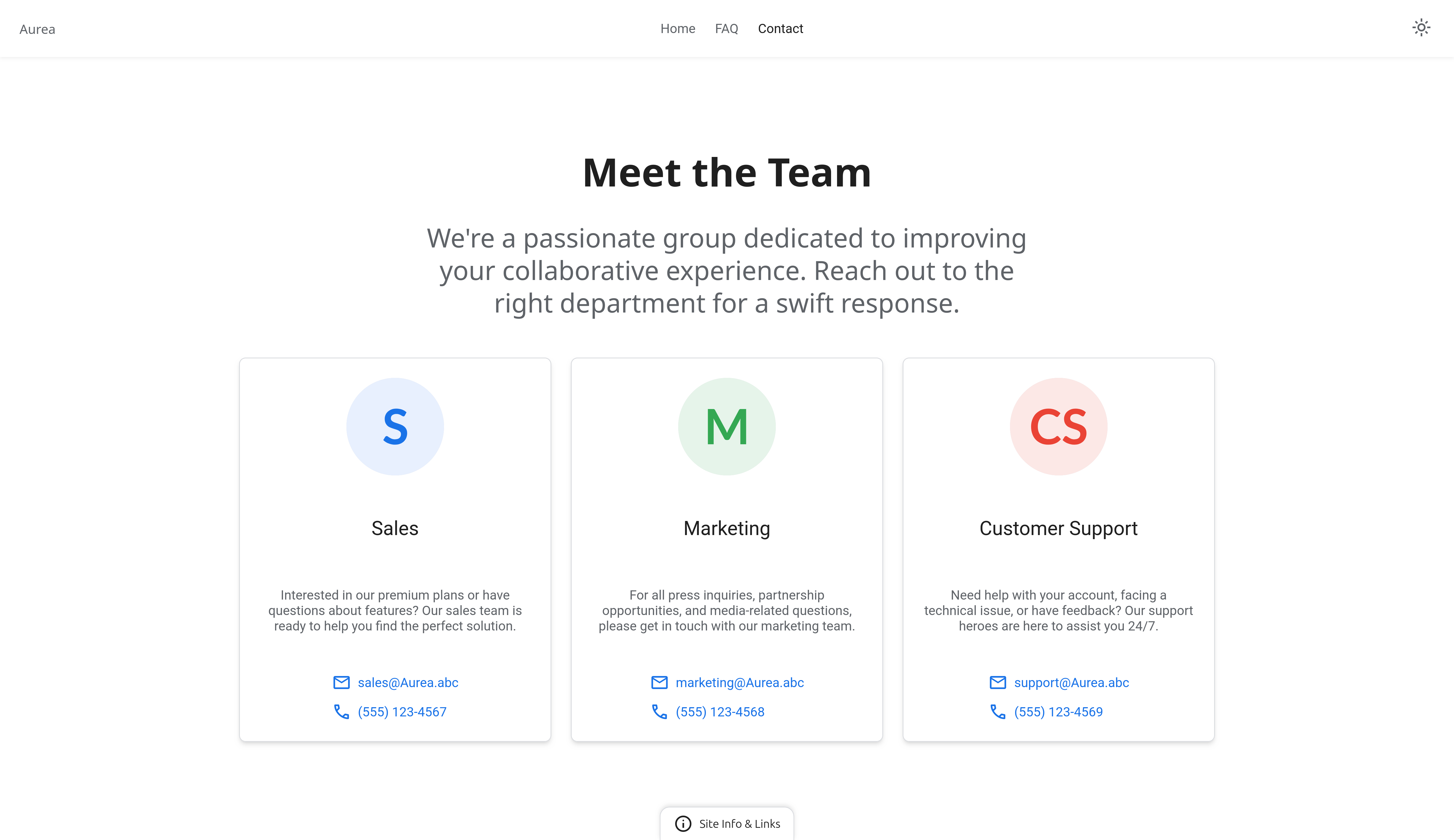
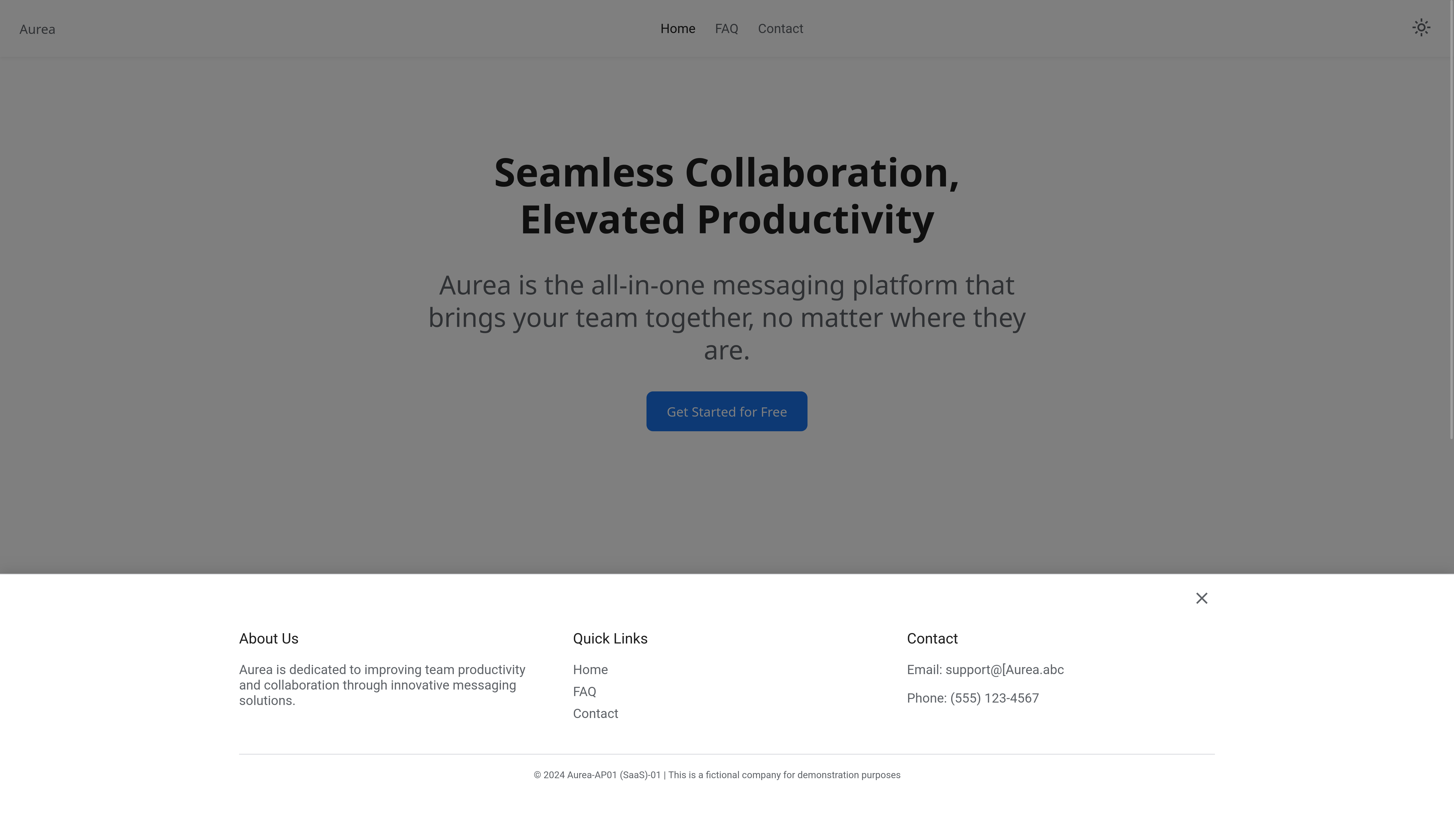
Desktop - Light Mode
Home page / Landing page
FAQ page
Contact page
Footer - active
Why screenshots instead of a live demo?
The implementations shown are fully functional and tested. Screenshots are used intentionally to present verified behavior while protecting the underlying code and system logic from unauthorized access, scraping, or redistribution.
This approach allows transparency in outcomes without exposing the full implementation outside of licensed use.
Responsive Design Validation
Spacing and rhythm were verified visually, not assumed.
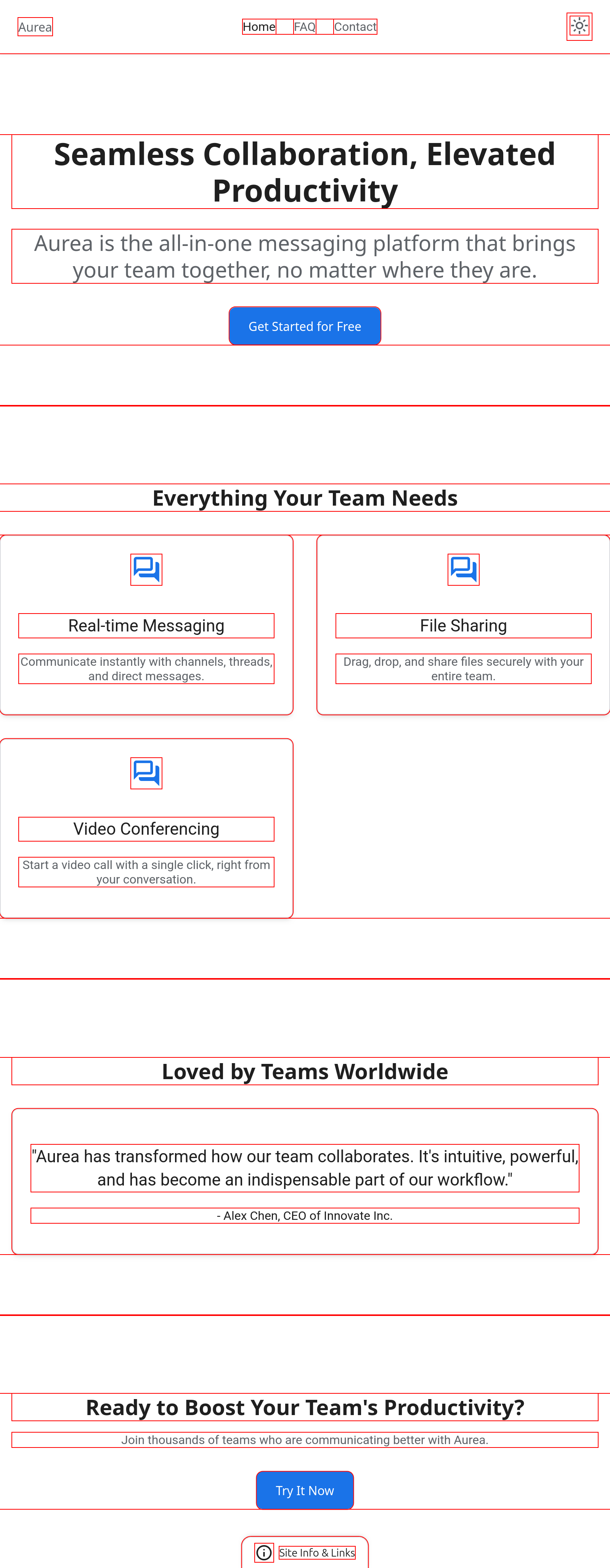
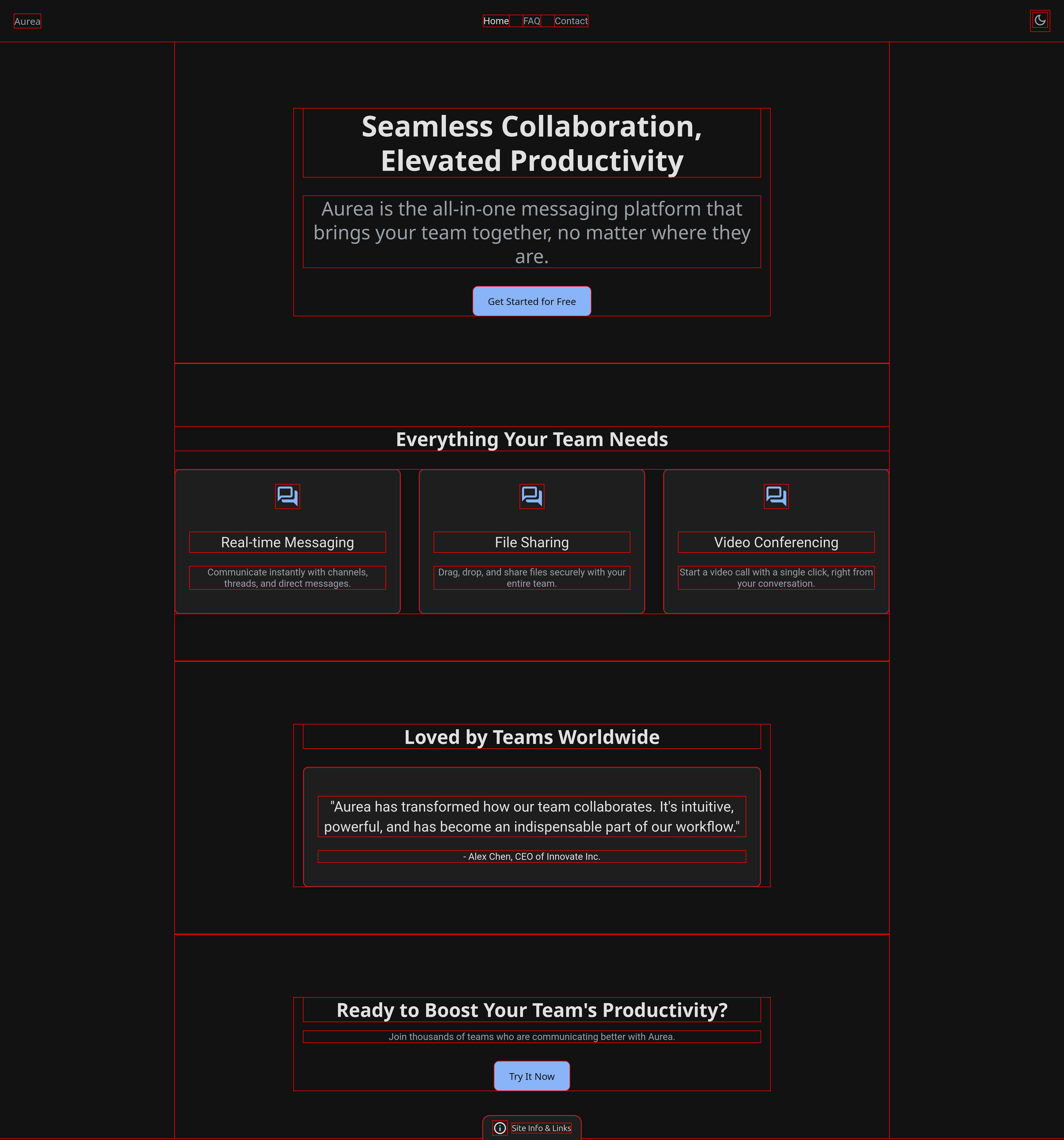
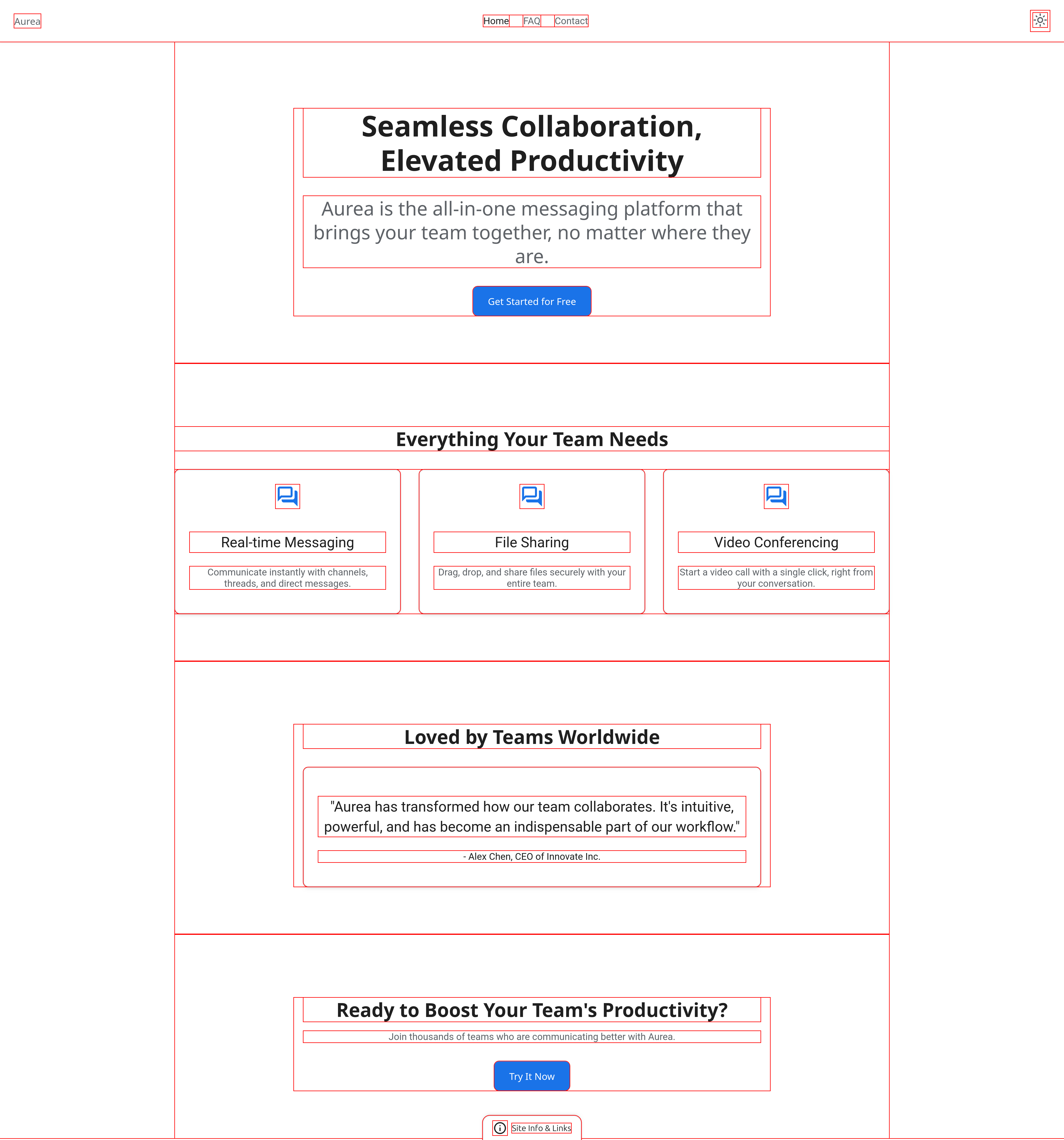
Temporary layout outlines were used as a diagnostic layer to inspect component spacing,
alignment, and structural balance. This helped ensure the system scales consistently and
maintains visual clarity across screen sizes.
The screenshots shown include temporary layout boundaries used during validation. These markers are not part of the final implementation and were applied solely to inspect spacing, hierarchy, and component relationships during the design system’s development.
Temporary layout outlines: Smartphone screen size


Temporary layout outlines: Tablet screen size
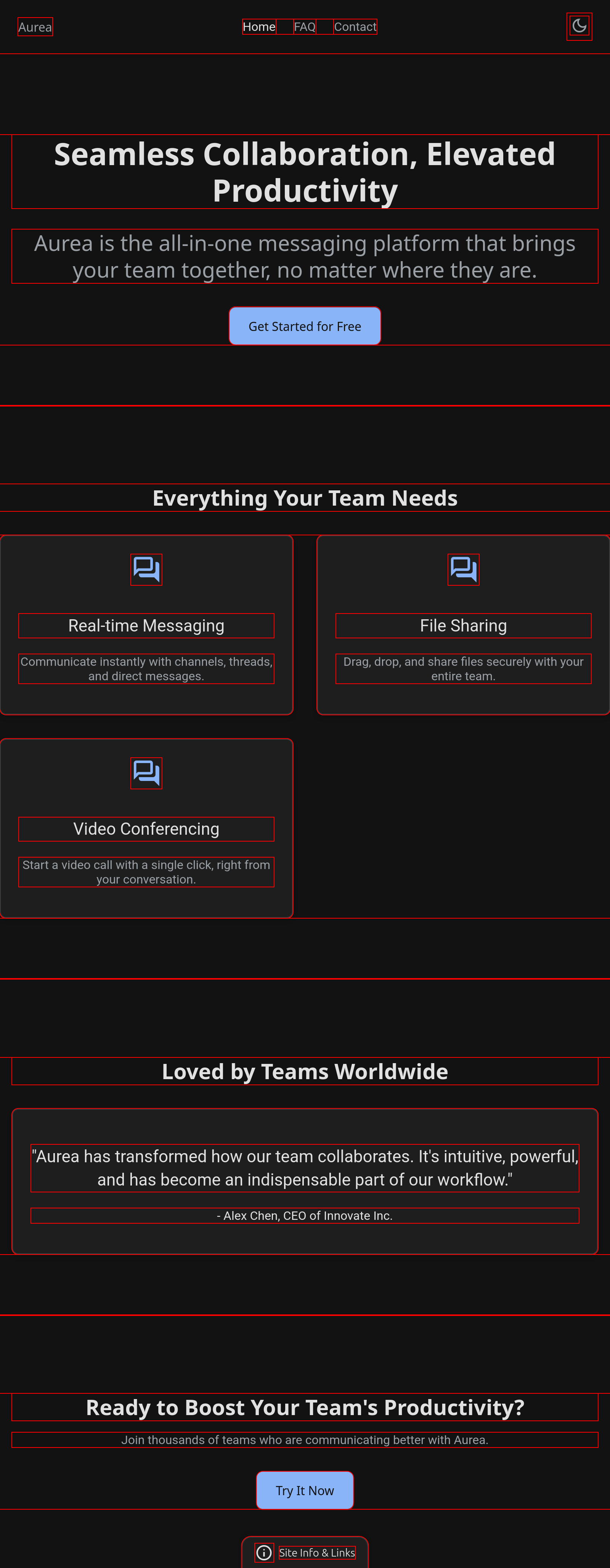
Temporary layout outlines: Desktop screen size
Navigation Tips